
If you want to hide the "Welcome back" screen shown to passwordless users after they re-login with a magic link, follow the steps in this article.
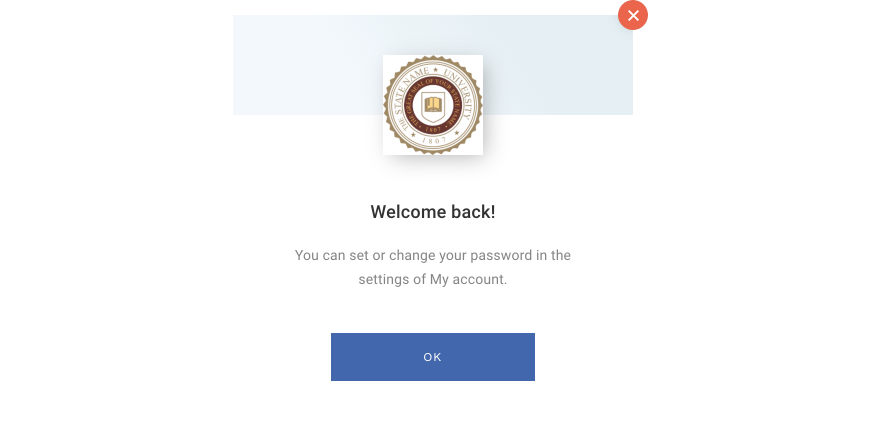
More information about the passwordless login flow is available under this link.
You would need to add the code below to your website's JavaScript, which closes the "Welcome back" template right after loading:
  window.addEventListener('message', (event) => {
     let ev_json = event.data;
     if(typeof event.data != "object"){
       ev_json = JSON.parse(event.data);
     }
      if(ev_json.event=="loaded"){
          if (ev_json.sender.startsWith('piano-id-form')){
              document.getElementsByClassName("tp-close")[0].click();
          }
      }
 });
Ideally, this would be added only on the Passwordless magic link URL, which can be set up in your Edit Business section in the Identity Management configuration.

As the above code might also close other Identity Management templates, we recommend only executing it on the Passwordless magic link URL.