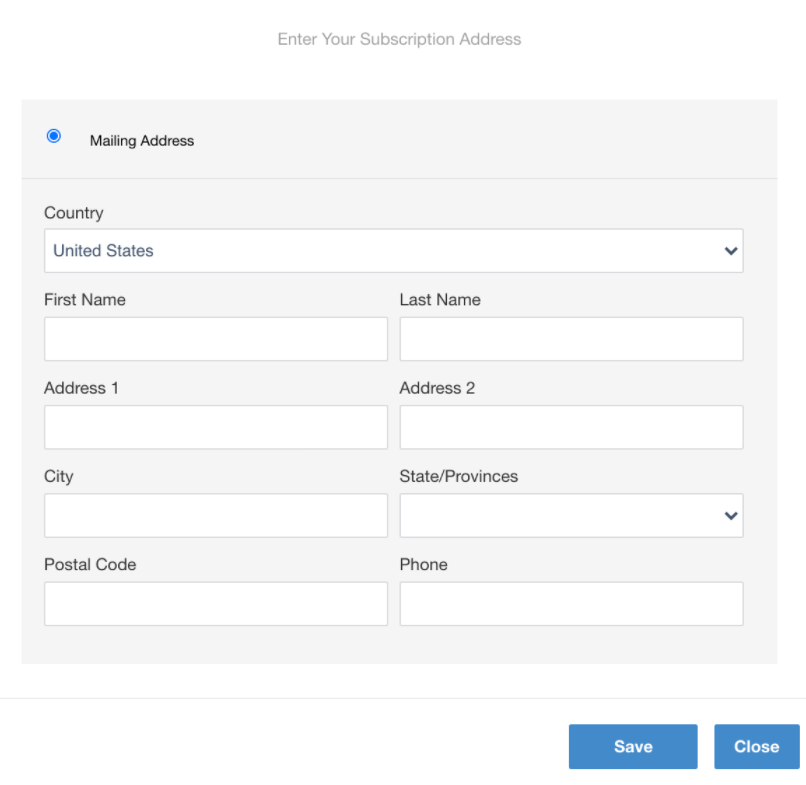
By default, the Print address collect screen template is shown as below, in case the address collection is enabled on a term basis.
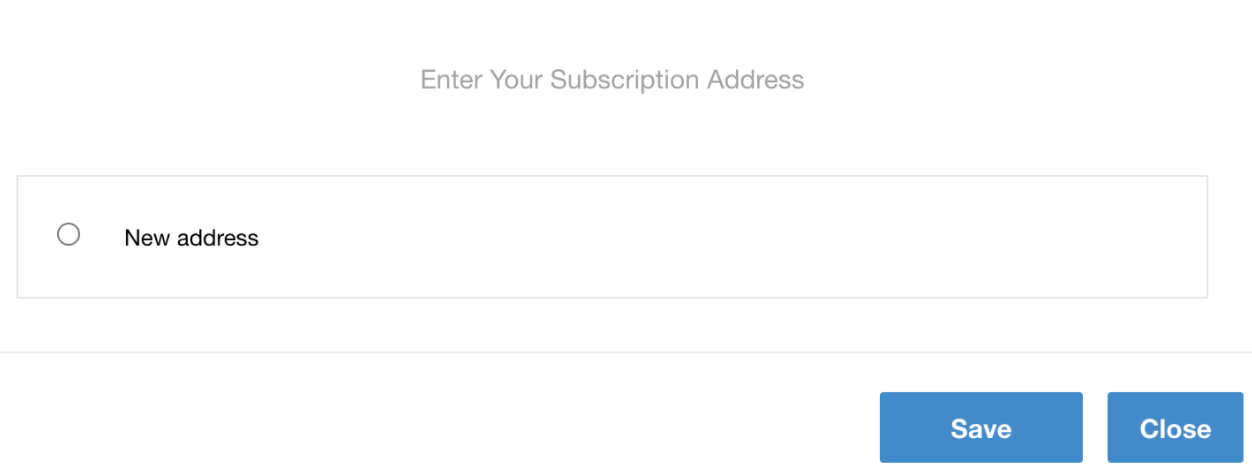
To update this and show the address fields already rolled you, you would need to update the Print address collect screen template's section including the selectable-list-item class as follows:
HTML
<label class="selectable-list-item" ng-class="{'current': true}">
            <input type="radio" ng-model="model.activeItem" ng-value="'add_new'" id="add_new" class="selectable-list-radiobutton" ng-checked="true">
            <div class="selectable-list-title-single"><t>New address</t></div>
        </label>
    </div>

    <div ng-show="true">
        <form name="printAddressForm" class="print-address-form" ng-class="{'validated': validated}">
            <div class="floating-table" ng-class="{'grayed': true}">
After the change is applied, the address collection screen will look like this, once a user selects a term during checkout: