
The password reset link can be triggered directly from the Piano dashboard.
You can search for the user's account, click on it and then press the icon with the lock:
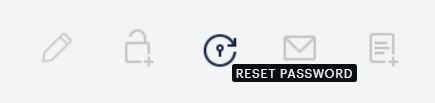
You will be prompted to confirm, that you wish to send the password reset email and it's going to be sent directly to the customer.
Once triggered, the email will appear also in the Emails tab in the user's account in the Piano dashboard.