
If the PDF receipt is always downloaded in landscape format instead of portrait, both via the dashboard or My Account, you will need to modify the Master Email Layout under Manage → Email Manager.
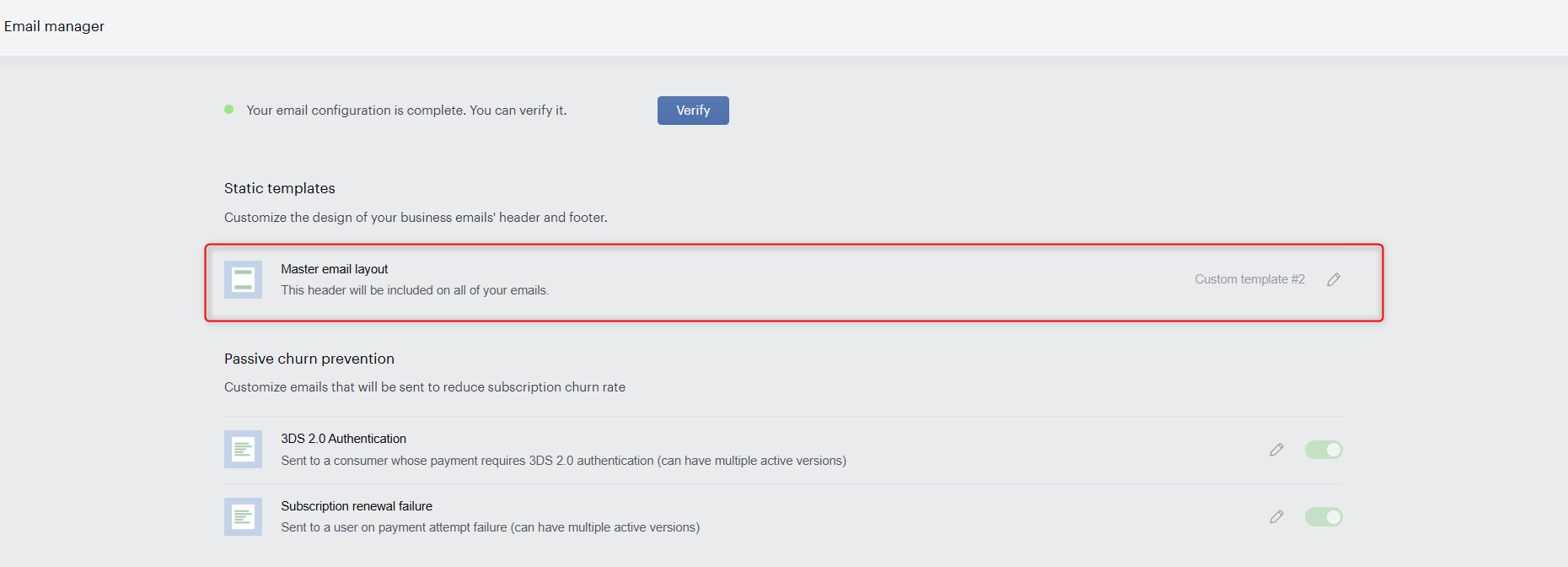
Add the following CSS code:
@page {size: portrait;}
Anyhwere after this line:
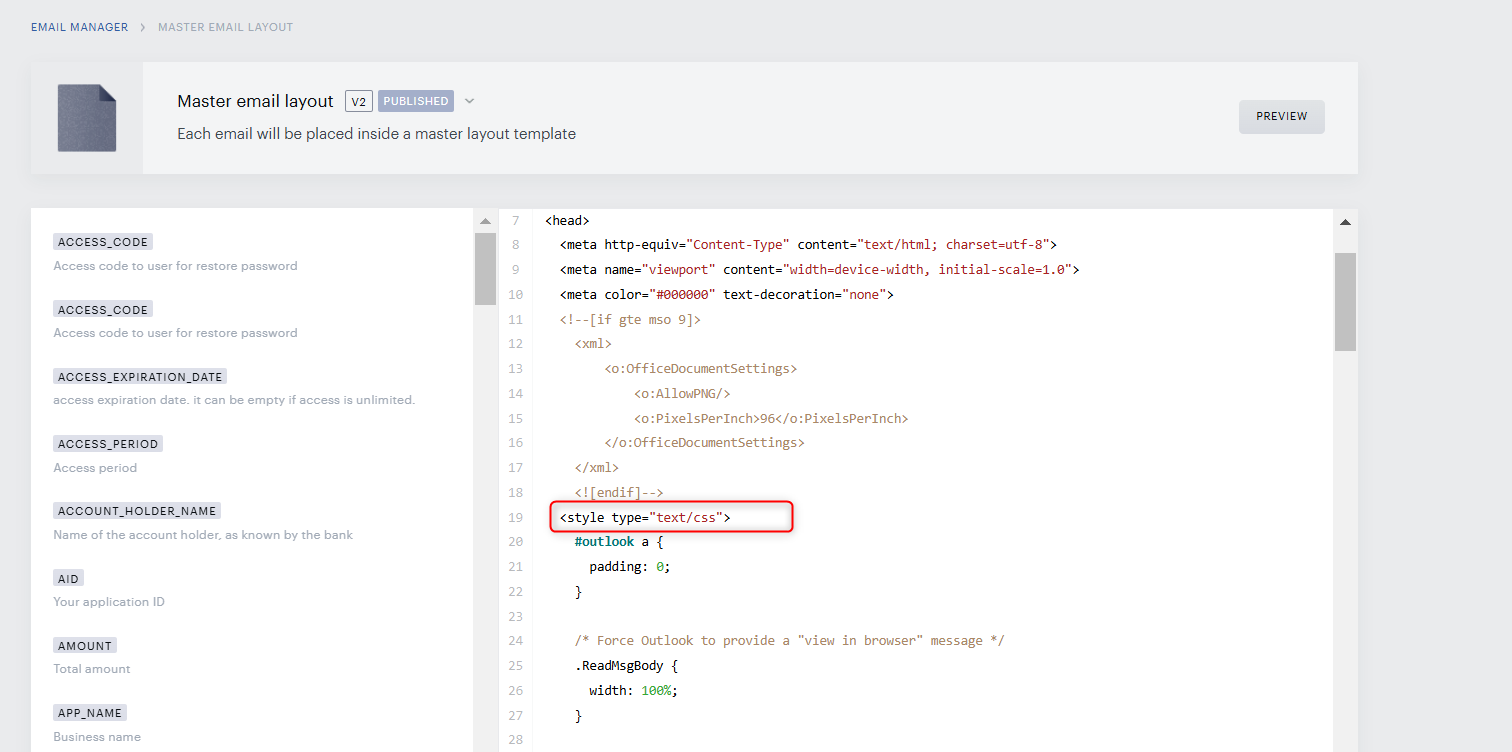
This should ensure that the PDF receipt is correctly downloaded in portrait format instead of landscape.