
If you have Gift terms enabled on your application, it's possible to show a Redeem button in the footer of your Offer templates.
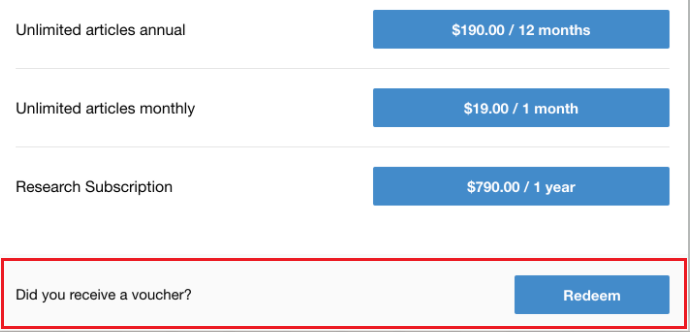
In order to remove it, you would need to go to Manage → Templates and remove the following code from your Offer template:
HTML
<div class="offer-redemption" ng-show="allowRedemption()">
    <table>
        <tr>
            <td class="title">
                <t>Did you receive a voucher?</t>
            </td>
            <td class="choose">
                <a
                    ng-click="startRedemption()"
                    external-event="piano-checkout-offer-click"
                    class="button big fixed"
                >
                    <t>Redeem</t>
                </a>
            </td>
        </tr>
    </table>
</div>