
Target your audience by setting active days of week, or specific times of day.
As Day Parting and Time of Day Targeting use the End User's Device's Time Settings, it is still possible for Campaigns to show in a seemingly untargeted time/day.
For example, If a campaign is targeted to show between 9-5 in GMT0, someone in a different Timezone, say GMT+4 may see the campaign at 9pm in GMT0 (5pm in their timezone of GMT+4). This will present in statistics within the Cxense Advertising GUI as outside of the selected time/day target. In almost all cases, this situation will account for a very small percentage of the total traffic for the campaign.
Adding Geo targeting along with day parting can reduce this effect, however Geo IP targeting may not totally eradicate this issue, as Geo IP filtering mimicks the real life location, and is still prone to minor errors dependant on ISP and network configuration.
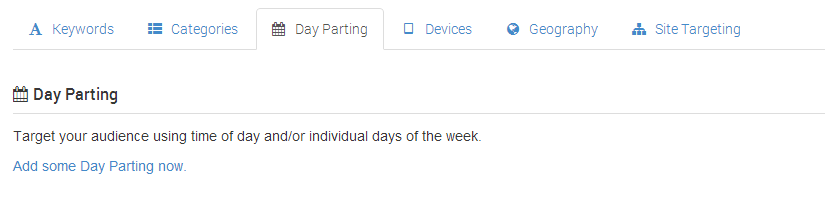
Active Times of the day
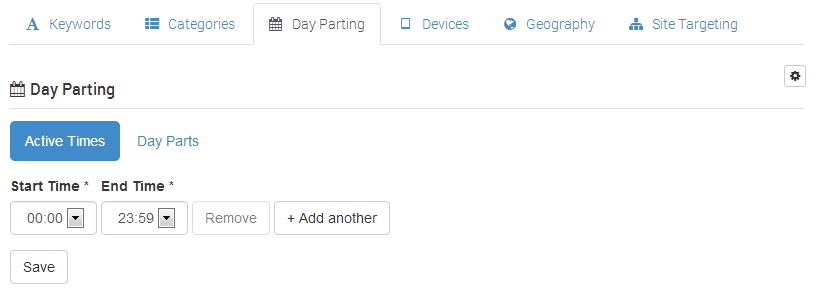
To choose the time of day your Ads will show, simply add a start and end time, and select save.
It is also possible to add multiple 'active windows' when your Ads will show. This provides the ability to target commuters in the early morning and in the evening as they travel to/from work. Simply select the 'add another' button to add multiple active times, then save once complete. Note, all active times cannot overlap.
Day Parts
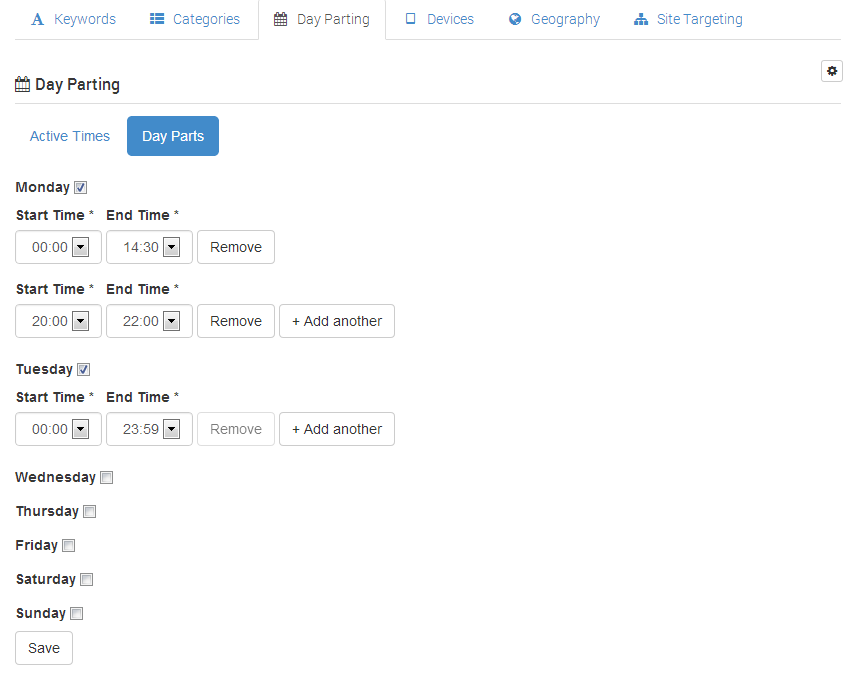
Day parting provides the ability to set active times (as above) for specific days of the week. This provides the ability to target your audience at different times during the working week versus the weekend.
Simply select the days of week you wish, and set up the active times for each selected day. If you do not wish an Ad to be shown on a particular day, simply deselect the checkbox next to that day.
Please note you can only use Active Times OR Day Parting for each Day Parting targeting feature. Note also, different targeting features can be configured without restriction.