
Target your audience using geographic locations.
Adding Geographic Locations
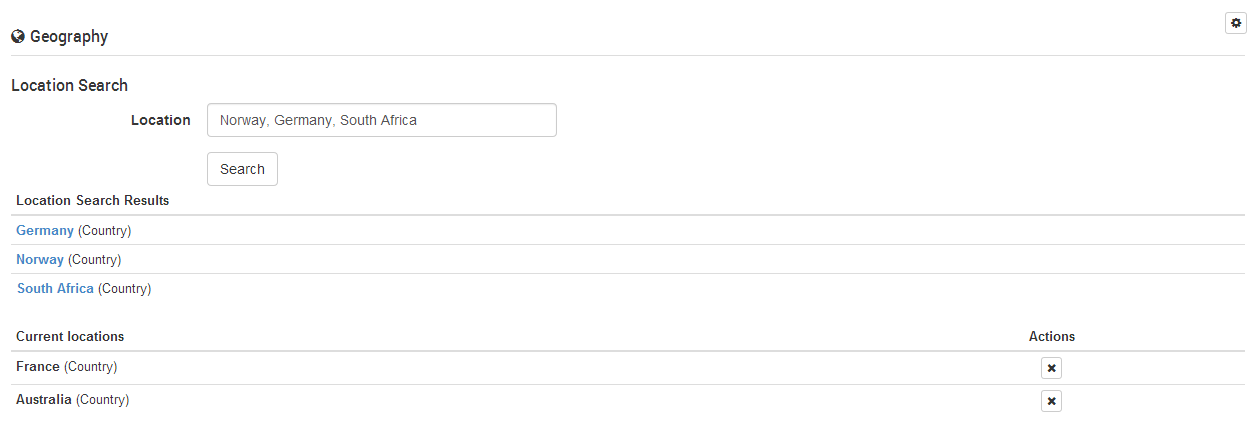
Simply enter the name of a specific location you wish to target, and select search. If a location is valid for a particular Ad Product, it will be shown in the results list. You can also use commas to separate multiple locations within the one search. To Add a location to an individual Ad of entire campaign, simply click the search result to add it to the saved locations.
Saved locations
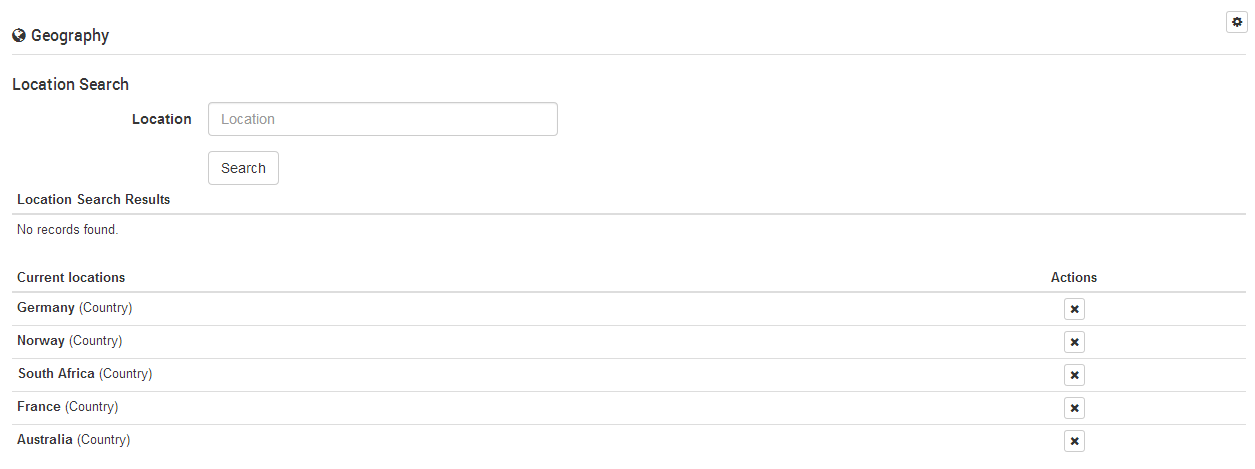
This is the list of locations where your campaign and/or ad will be shown. Depending on the Ad Product, you may or may not be able to edit the list after purchase/publishing of your campaign contract.
Example Targeting Options
(Note, 'Hungry St' is within Mossman (Suburb), is within Sydney (City), is within New South Wales (State), is within Australia (Country)
If an Advertiser sets matching criteria on an Ad or Campaign:
KW: pizza, location: Sydney
Ad request: "k=pizza, l=Sydney"
Outcome: Ad Matches
Ad request: "k=pizza, l=Sydney, Australia"
Outcome: Ad Matches
Ad request: "k=pizza, l=Mossman"
Outcome: Ad Matches
Ad request: "k=pizza, l=Mossman, Sydney"
Outcome: Ad Matches
Ad request: "k=pizza, l=Hungry St, Mossman, Sydney"
Outcome: Ad Matches
Ad request: "k=pizza, l=Mossman, Sydney, Australia"
Outcome: Ad Matches
Ad request: "k=pizza, l=Australia"
Outcome: Ad Does not match