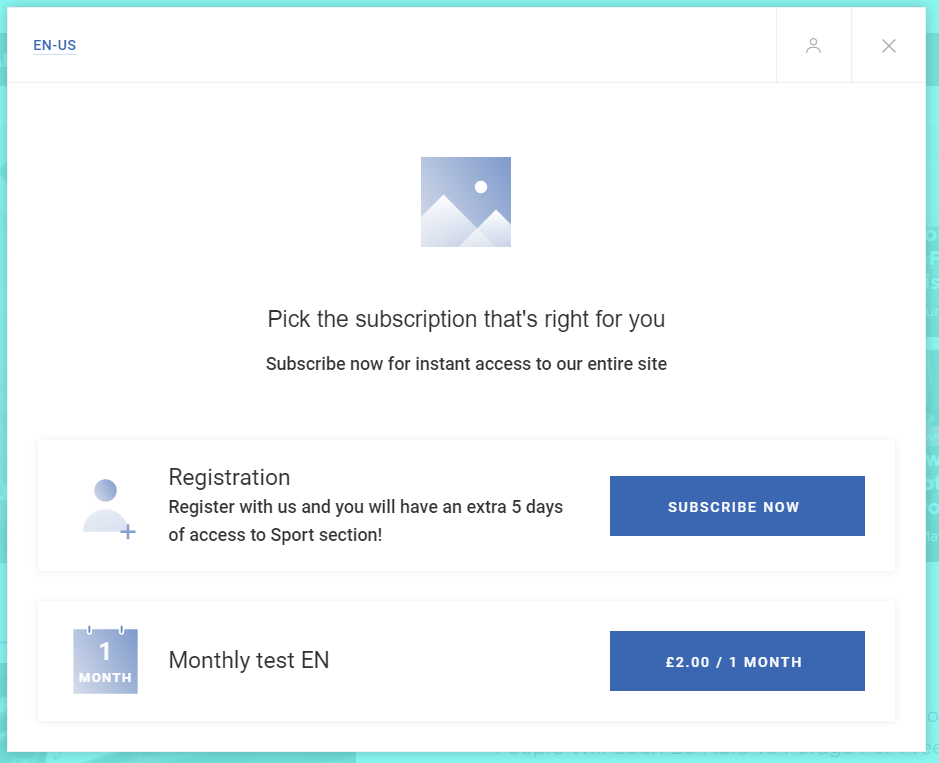
You can change the way the currency is displayed in Offer templates by replacing the 3 letter currency abbreviation with the currency symbol (e.g. GBP with £). This can be achieved by adding the following element to the term variable in any Offer template:
[your-variable].replace('GBP', '£')
For example:
{{term.firstRealPrice.replace('GBP', '£')}}