
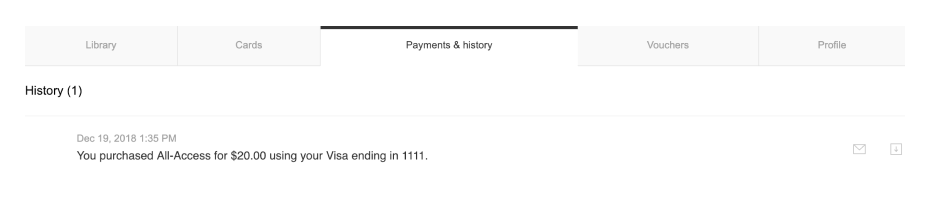
In the My Account section, under the Payments & History tab, the user has the option to download a PDF receipt of any of their transactions (the button on the utmost right-hand side).
Please visit the following link to view an example PDF-receipt.pdf without taxes enabled.
Here you can find a PDF-receipt-incl.-tax.pdf with inclusive taxes enabled.
In case you have customized this PDF receipt through the Email Manager template Transaction info and it includes <style> tags, this will break the PDF layout.
You can add styling through the Master email layout template that includes <html>, <head> and <style> tags. Or use inline CSS.
When it comes to rendering custom images inside the receipt, instead of using the src attribute in HTML, please apply the property background-image in CSS. This way, no delays will occur during the PDF creation and images will be rendered properly.