
When working with Piano's templates, you might want to customize the title of the HTML document that is injected into an iFrame, particularly for checkout or offer templates. By default, the title for these is set as "Piano • Client Dashboard," but there are scenarios where modifying this title can enhance user experience or website accessibility.
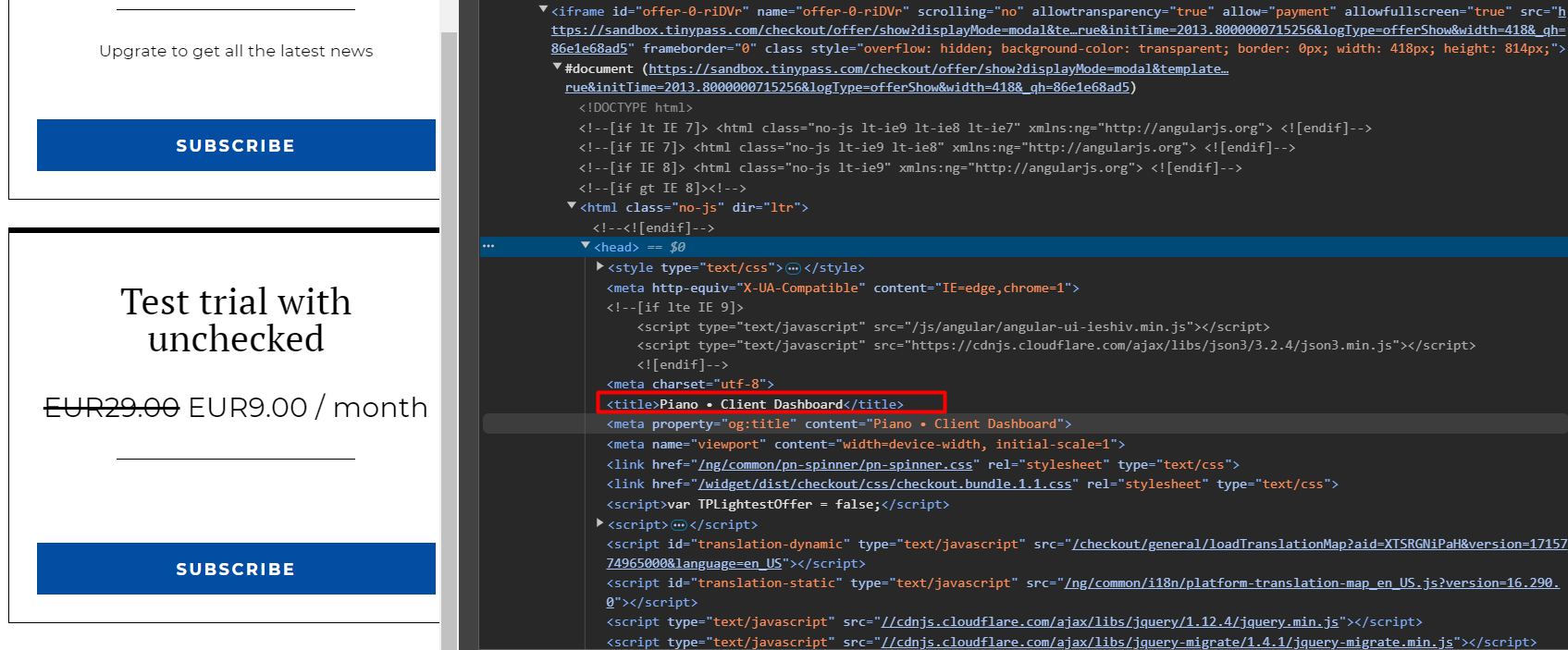
Below is a guide on how to achieve this.
To modify the title for the checkout, you can inject the following code into the Provider Components template.
<custom-script>
  document.title = "Custom title";
</custom-script>
With this code, the document title will change to "Custom Title" instead of the default "Piano • Client Dashboard" as shown above.
This approach also works in the offer template, where you can change the title of the page to better reflect the offer being presented.
Why Change the Title?
-
Improved Accessibility: A clear and descriptive title helps users with screen readers or other assistive technologies understand the purpose of the page.
-
SEO Benefits: Search engines like Google prioritize pages with meaningful and relevant titles.