
You can customize the receipt screen in the Checkout Components template which is part of System templates.
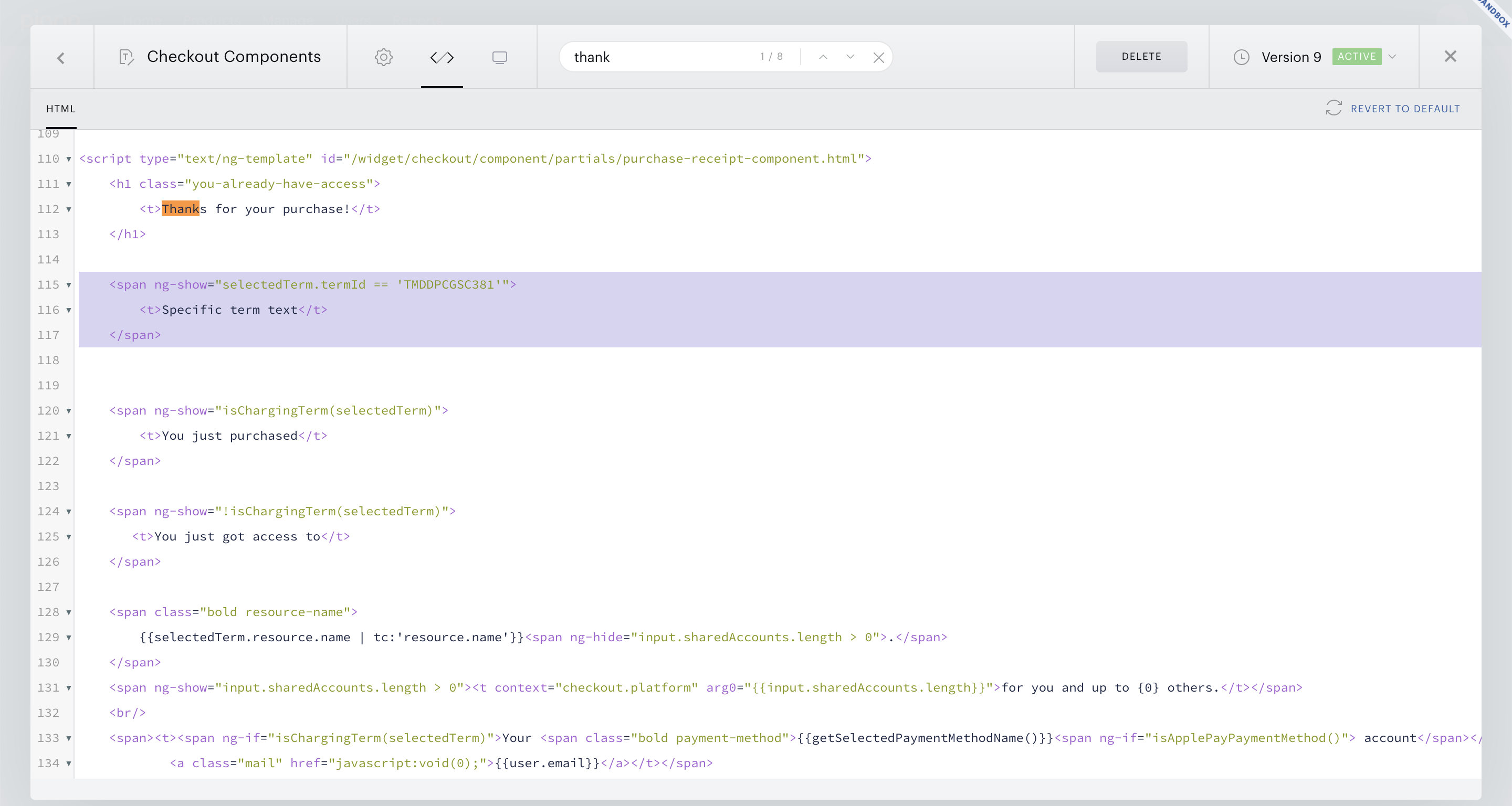
There is a section looking like this:
HTML
<script type="text/ng-template" id="/widget/checkout/component/partials/purchase-receipt-component.html">

...
</script>
You can just add something like this inside that section:
HTML
 <span ng-show="selectedTerm.termId == 'TMDDPCGSC381'">
        <t>Specific term text</t>
    </span>
Alternatively, in case you are only using one payment term for your checkout, you can replace the existing element:
HTML
<span class="checkout-text" ng-show="isChargingTerm(selectedTerm)">
With this line of code:
HTML
<span class="checkout-text" ng-show="selectedTerm.termId == 'TMDDPCGSC381'">
Please note, that you need to change the term ID based on your application's term ID. In case you are using multiple terms, this would remove the text for all other terms across your application, so we advise against using this single payment term code if you are offering multiple payment term options.