CLASSIC TEMPLATES
In the Composer Experiences, you have the option to show or hide the close button for modal templates. This option is currently not available for inline templates, but you're able to easily add this code to your website.
This code needs to be added to your website directly, this custom closing button needs to be added outside of the iframe of the template.
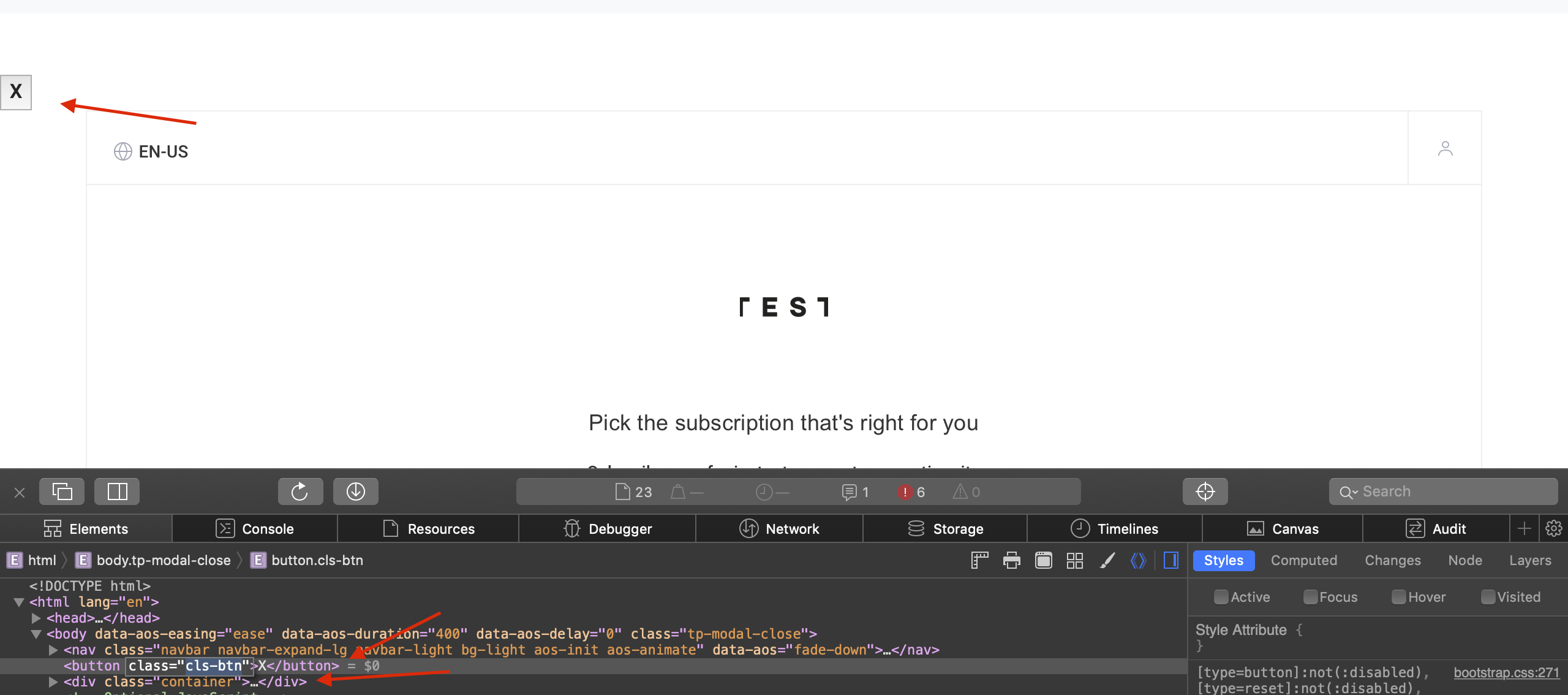
This is a sample of the HTML of the close button & container contained inside the inline template:
HTML
<button class="cls-btn">X</button>
<div class="container">Inserted into the Composer Experience or used via tp.offer.show function</div>
This piece of JavaScript takes care of hiding the template once the X button is clicked:
document.querySelector('.cls-btn').addEventListener('click', function(){ document.querySelector('.container-offer').classList.add('hidden')

});
Now when a user clicks on the button marked with the X, the template's container is hidden.