
If you have Apple Pay enabled as a payment method, this option will be shown as the pre-selected or preferred payment method for iOS devices supporting Apple Pay.
In order to show all available payment methods, so that Apple Pay is not pre-selected, you will need to add the below line of code to the Payment Components template:
HTML
<div ng-init="resetPaymentSelection()"></div>
For example like this:
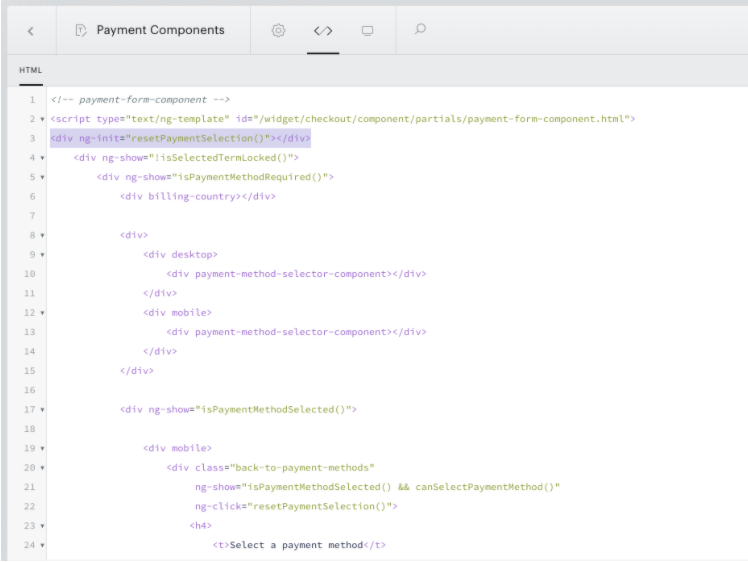
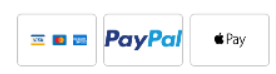
After this is added, as an example, an iPhone user will instead of seeing the Apple Pay method:

See all of the available payment options:
Please note, that if you are using fixed time terms in combination with 100% discounts, you may need to use the following code snippet instead:
HTML
<div ng-if="!isPaymentMethod(ZERO)">
  <div ng-init="resetPaymentSelection()"></div>
</div>