
In order to remove the option for users to disable their auto-renewal in the My Account section on mobile devices:
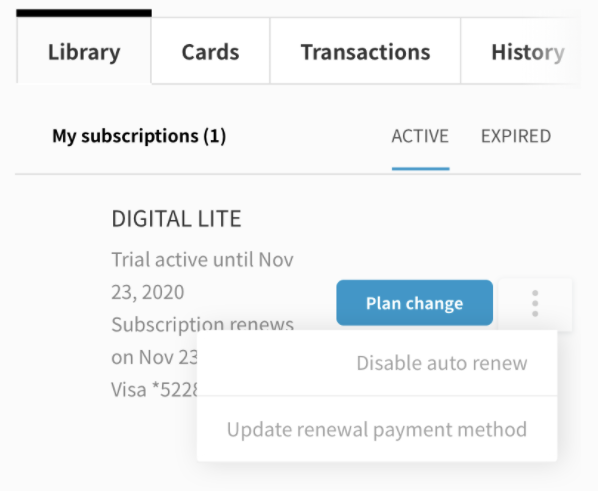
If you are using the default version of the My Account Library Components template, you’ll need to remove the code below:
HTML
                              <tp-menu-item class="mobile-show"
                                            ng-click="toggleRenew(libraryItem);"
                                            ng-if="libraryItem.autoRenewChangeEnabled"
                                            role="menuitem">
                              <span ng-if="libraryItem.autoRenew === true" data-e2e="disable-auto-renew">
                                  <t context="checkout.platform">Disable auto renew</t>
                              </span>
                                <span ng-if="libraryItem.autoRenew === false" data-e2e="enable-auto-renew">
                                  <t context="checkout.platform">Enable auto renew</t>
                              </span>
                              </tp-menu-item>
Please note that if you are using a customized version of the template, the code may differ.
For instructions on how to remove this option for desktop devices, please visit this article.