
iPhone users might experience small changes when they view Piano templates with an iPhone in landscape mode. Users may see font size changes of the template headings or any other HTML element that was added to your web application or templates. This is because the text that suddenly got bigger, might be pushing other HTML elements away, or making them unreadable, etc.
If this happens, you can add a simple CSS property -webkit-text-size-adjust: none; to the template's class-name in the CSS tab of the affected template.
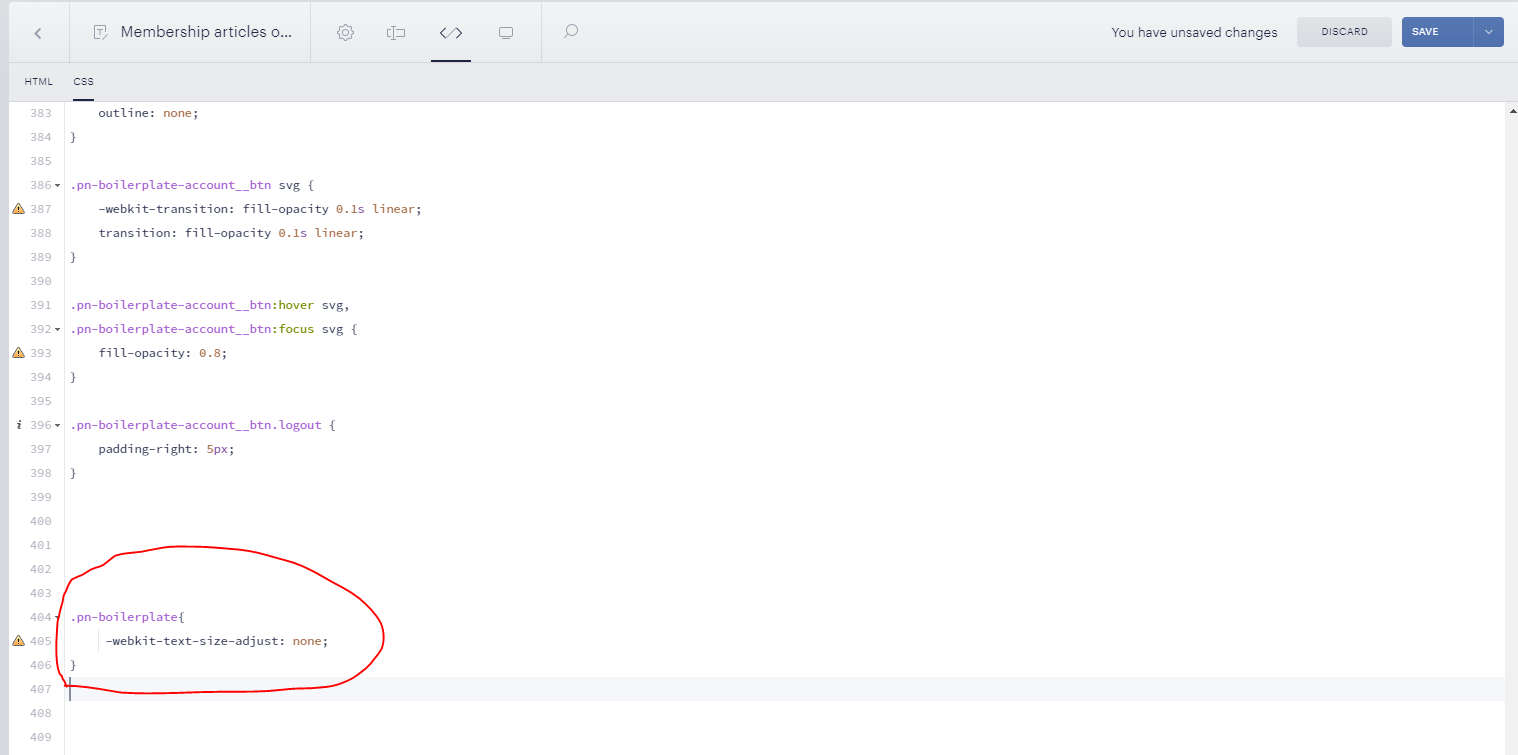
If this doesn't work, you can add this line of code to the global CSS file on your website. Here the class name will need to be replaced with an HTML tag:
html {-webkit-text-size-adjust: none; }
Other potential solutions are available here.